
For better or worse, you’ve decided to roll your own authentication. Let’s take a look at some best practices for storing your users’ passwords securely.
Luckily, there are industry accepted guidelines for doing so. These guidelines are published by NIST–the National Institute of Standards and Technologies. They publish all sorts of standards, security and cryptography standards being among them. Most of which are in the NIST Special Publication 800 series (aka NIST 800) and FIPS–Federal Information Processing Standards.
For password management, we turn to NIST 800-63B - Digital Identity Guidelines.
Verifiers SHALL store passwords in a form that is resistant to offline attacks.
What does that mean? Well, quite simply, if a threat actor gets a hold of your password database, it should use useless to them.
How do we do that?
TL;DR
- Hash with PBKDF2 + HMAC-SHA256
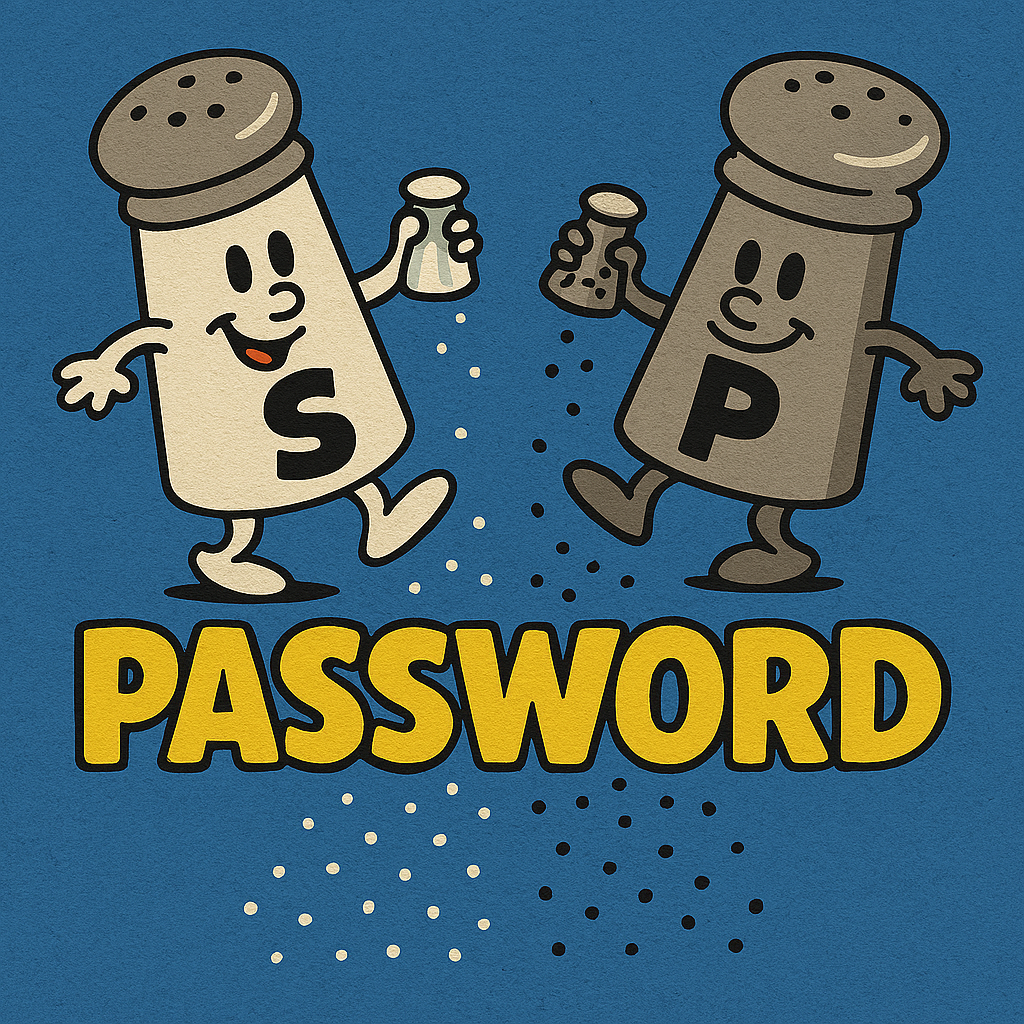
- Salt and Pepper
Hashing vs Encryption
Before digging into the how and why, let’s take a quick look at hashing vs encryption.
Encryption is two-way; meaning we can decrypt back to the original value. This is good for storing things like credentials to other systems where you need to decrypt them for use in a connection string.
Hashing is one-way; meaning we cannot get back the original value. Once we’ve hashed, that’s it, there is no way back. There is no way to reverse-engineer the hash back into the original value. However, the same input value will always produce the same hash.
For passwords, we want to hash them. NIST is clear on this:
Passwords SHALL be salted and hashed using a suitable password hashing scheme.
When verifying the password on log in, we hash the user supplied value and compare it to the hashed value stored in the database. If they match, the user entered the same password–or at least one that hashed to the same value; more on that later.
Hashing a Password
There are many hashing algorithms, so which ones are appropriate for passwords? We can turn back to NIST 800-63B
An approved password hashing scheme published in the latest revision of [SP800-132] or updated NIST guidelines on password hashing schemes SHOULD be used.
Jumping over to NIST 800-132…
This Recommendation approves PBKDF2 as the PBKDF using HMAC with any approved hash function as the PRF
Ugh… jumping over to Hash Functions(https://csrc.nist.gov/projects/hash-functions)…
- FIPS 180-4 specifies: SHA-2 family of hash algorithms: SHA-224, SHA-256, SHA-384, SHA-512, SHA-512/224, and SHA-512/256.
- FIPS 202 specifies: SHA-3 family of hash algorithms: SHA3-224, SHA3-256, SHA3-384, and SHA3-512
The higher the bit strength, the less likely there are to be collisions. Hash collision is when two distinct input values produce the same hash. Why is this important? When brute-forcing a password, the attacker need only find a password that produces the same hash. Remember, we’re not comparing the actual password but rather the hashes.
If you’re building a new system, go for SHA3. It’s only a matter of time before SHA2 is no longer considered effective. (SHA1 was deprecated in 2011 and disallowed in 2013)
So, to hash passwords PBKDF2 + HMAC-SHA3-512 will provide the best protection, though it is quite common to see
HMAC-SHA-256.
HMAC, if you’re wondering, stands for Hash-based Message Authentication Codes
Salt and Pepper
NIST 800-63B also talks about salting the password…
Passwords SHALL be salted and hashed using a suitable password hashing scheme. Password hashing schemes take a password, a salt, and a cost factor as inputs and generate a password hash. Their purpose is to make each password guess more expensive for an attacker who has obtained a hashed password file, thereby making the cost of a guessing attack high or prohibitive.
…
The salt SHALL be at least 32 bits in length and chosen to minimize salt value collisions among stored hashes (i.e., to prevent multiple subscriber accounts from having the same hashed password). Both the salt value and the resulting hash SHALL be stored for each password.
What is a Salt?
A salt is a random set of bytes included along with the password for hashing. Generally, it is appended to the end.
So if your password is SuperSecretSquirrel we would add a salt so the value actually being hashed is:
SuperSecretSquirrel12345 where the salt in this case is 12345. NIST recommends at least 16bits (2 bytes). In practice,
salts are typically 16 bytes or more and created with a cryptographically strong randomizer. In .Net/C# we have
the System.Security.Cryptography.RandomNumberGenerator.
byte[] salt = RandomNumberGenerator.GetBytes(16)
The salt is stored in the database along-side the password.
| password | salt |
|---|---|
| FDSJAKR32W9Q329FFLF90…2Q9FSDJ | 580ERUEOFJHEDSF49 |
What is Pepper?
Pepper is a community term and a play on the term salt. NIST doesn’t call it pepper, but does say…
In addition, verifiers SHOULD perform an additional iteration of a keyed hashing or encryption operation using a secret key known only to the verifier. If used, this key value SHALL be generated by an approved random bit generator, as described in Sec. 3.2.12. The secret key value SHALL be stored separately from the hashed passwords. It SHOULD be stored and used within a hardware-protected area, such as a hardware security module or trusted execution environment (TEE), such as a trusted platform module (TPM). With this additional iteration, brute-force attacks on the hashed passwords are impractical as long as the secret key value remains secret.
What if the database in compromised and the threat actor now has the hashed password and the salt? That’s where pepper comes in. A pepper is an external piece of cryptographic material stored outside the system. Usually, and NIST requires this, it is stored in a secret vault of sorts–e.g. Azure Key Vault, AWS Secrets Manager, HashiCorp Vault–or an HSM (Hardware Security Module).
Adding an HMAC hashing iteration before or after the salted hashing is simpler to implement. The downside to this is user experience. If the pepper is ever compromised and needs to be rotated, users are forced to reset their password as there is no way to verify their current password without the pepper that was used to hash the original password.
A variation supported by NIST and recommended by OWASP 2023 that overcomes this limitation, is to encrypt the hash with the pepper before storing. The end result is the same: if the database is compromised, the attacker still can’t do anything without the pepper. However, now the pepper can be rotated and password hashes re-encrypted.
NIST 800-57 provides key management guidelines if you want to know more about properly managing the pepper material.
Implementation
Let’s see that this looks like in C#/.Net.
System.Security.Cryptography provides an implementation of PBKDF2 and HMAC-SHA3-512 (and the other approved
hashing functions).
using System.Security.Cryptography;
using System.Text;

string password = "SuperSecretSquirrel";

// All the APIs we'll be using work with byte arrays, so first thing is to convert the password to a byte array
byte[] pwd = Encoding.UTF8.GetBytes(password);

// We need to generate a random salt to use in the key derivation function
byte[] salt = RandomNumberGenerator.GetBytes(16);

// Use PBKDF2 to generate a key from the password and salt
var key = Rfc2898DeriveBytes.Pbkdf2(pwd, salt, 1_000, HashAlgorithmName.SHA3_512, 64); //64 bytes = 512 bits

// hash with HMAC-SHA3-512
var hmac = new HMACSHA3_512(key);
var hash = hmac.ComputeHash(pwd);

Console.WriteLine("Password: {0}", Convert.ToBase64String(hash));
Console.WriteLine("    Salt: {0}", Convert.ToBase64String(salt));
For peppering, we encrypt both the password and the salt. I highly recommend the AspNet Core Data Protection API for this, but if we wanted to use AES256 ourselves…
var pepper = RandomNumberGenerator.GetBytes(32); //256bit key. This would normally come from a vault or HSM.
var aes = Aes.Create();
aes.Key = pepper;
aes.GenerateIV();
var ecyptedPassword = aes.EncryptCbc(pwd, aes.IV);
var ecyptedSalt = aes.EncryptCbc(salt, aes.IV);

Console.WriteLine("Encrypted Password: {0}", Convert.ToBase64String(ecyptedPassword));
Console.WriteLine("    Encrypted Salt: {0}", Convert.ToBase64String(ecyptedSalt));
This is obviously a contrived example. The initialization vector (IV) that encrypted the password needs to be used to decrypt the password. So we need to store it. It should also be unique for every value encrypted if we’re following the guidelines.
NIST says we can use encryption or “an additional iteration”. So rather than encrypting we can simply hash again, this time using the pepper rather than the derived key…
var pepperedHmac = new HMACSHA3_512(pepper);
var pepperedHash = pepperedHmac.ComputeHash(hash);
In either case, because the pepper is unknown to the threat actor, if they do get a hold of the password hashes and salts, there is no way for them to find passwords that produce the same hash. We’ve me the NIST requirement:
Verifiers SHALL store passwords in a form that is resistant to offline attacks.
Defense-in-Depth
We should always take a defense-in-depth approach to protecting passwords. In fact, NIST requires it. Techniques we can apply are:
- Minimum password lengths. NIST guideline as of this writing is minimum of 15 characters without MFA, 8 characters with.
- MFA. Use a second factor to authenticate the user. NIST also defines approved MFA authenticators in 800-63B.
- Rate Limiting. Brute-force works by testing possible passwords. If the form post or API is rate limited, it slows that process down. NIST requires this as part of 800-63B
- Account lockout after X amount of failed attempts.
- Monitor and alert on anomalies like password attempts being rate-limited and login attempts to a locked account.
Another layer of safety NIST calls out is optionally using a block-list. This is a list of known commonly used passwords. It’s a way of saying “You can’t use that password because it is one attackers try all the time.”
Conclusion
Still want to roll your own auth? If you’re in .Net and want authentication built into your application rather than using an external provider, I highly recommend AspNet Core Identity. While some find it bloated, it takes care of password management in a NIST compliant way and also handles other authentication requirements like MFA using authenticator apps or hardware keys (e.g. YubiKey, FidoKey), account lockout polices, password complexity policies and so on.
Or, you can farm it out to a product like KeyCloak or Microsoft EntraID, Auth0, Okta, etc.
If your constraints require you to roll your own auth or are enhancing a legacy system that already does, I hope this article shed some light on how to do it securely in a way that complies with most security attestations. HITRUST, SOC2, HIPAA, ISO27001, FedRAMP et. al. all point to NIST 800 and say “do that”.
When there is an incident, investigators are going to ask “Were reasonable steps taken to secure passwords?” and define “reasonable” as NIST 800-63B. Deviating from NIST 800-63B will require you to prove the deviations are just as secure and didn’t contribute to the incident.
Cheers!